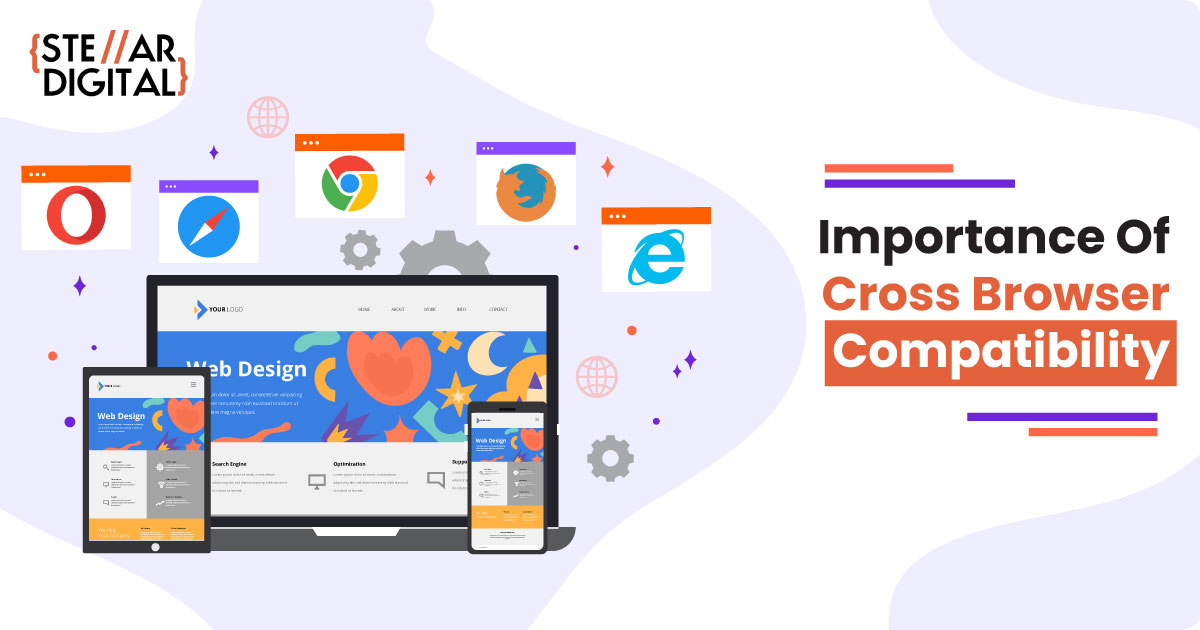
Top 5 Essential Strategies to Optimize Your Website for Every Browser
In today's digital landscape, optimizing your website for every browser is crucial for providing a seamless user experience. Here are the top 5 essential strategies to ensure compatibility and performance across all platforms:
- Responsive Design: Implement a responsive design to guarantee that your website adapts seamlessly to various screen sizes and resolutions, enhancing accessibility on smartphones, tablets, and desktop browsers.
- Cross-browser Testing: Regularly conduct cross-browser testing to identify issues and inconsistencies. Utilize tools like BrowserStack or Sauce Labs to test your website on different browsers and operating systems.
- Optimize CSS and JavaScript: Minimize and optimize your code to reduce loading times. Use features like async and defer attributes for JavaScript to enhance performance on all browsers.
- Utilize HTML5 and CSS3: Leverage the latest web standards, ensuring basic functionality in older browsers while providing enhanced features in modern ones.
- Fallback Solutions: Always provide fallback options for advanced features. This ensures that users on outdated browsers can still navigate your website effectively.
How to Troubleshoot Browser Compatibility Issues: A Step-by-Step Guide
Browser compatibility issues can be frustrating for both developers and users alike. To troubleshoot browser compatibility issues, start by ensuring that you are using the latest version of your browser. Check for updates and refresh your browser to eliminate any temporary glitches. Next, clear your browser cache and cookies, as these can often lead to outdated information being displayed. If the problem persists, use tools like BrowserStack or CrossBrowserTesting to test your site across multiple browsers and devices. This will help you identify whether the issue is isolated to a specific browser or more widespread.
Once you've pinpointed the issue, analyze your HTML and CSS code for compatibility. Use features such as CSS resets and HTML compatibility libraries to address discrepancies between different browsers. If you encounter any errors, consult the console in your browser's developer tools for detailed error messages, which can guide you in fixing the problem. Lastly, don’t forget to test after making changes to ensure that your fixes effectively resolve the browser compatibility issues. Following these steps will help you enhance the user experience across various platforms.
Is Your Website Ready for the Future? Key Considerations for Cross-Browser Functionality
As technology continues to evolve, ensuring your website is ready for the future is more critical than ever. One of the essential aspects of this is cross-browser functionality. This means that your site needs to perform seamlessly across various browsers, including Chrome, Firefox, Safari, and Edge. Here are some key considerations to keep in mind:
- Responsive Design: Your website should be adaptable to different screen sizes and resolutions.
- Feature Detection: Use tools like Modernizr to implement features based on browser capabilities.
- Regular Testing: Conduct frequent tests to identify any inconsistencies in rendering across multiple platforms.
Another important factor in achieving robust cross-browser functionality is keeping up with web standards and technologies. As browsers continue to receive updates, your website must stay compliant to avoid potential issues. Here are additional points to consider:
- Progressive Enhancement: Build your site with a basic level of functionality in mind, then enhance for modern browsers.
- Backward Compatibility: Ensure that your website maintains functionality on older browsers, which still hold a portion of the market.
- User Feedback: Always seek user feedback to identify any issues they face, as real-world usage can reveal pitfalls that automated tests might miss.